Your adventure
Start at the family farm after the boat intro. Progress saves automatically to your account while you play and when you leave.
403WORLD / DQM ONLINE
Explore Cobi’s Journey, meet other players, and make your adventurer your own. Play on Windows, Linux, or Android with one account.
0.2.5 ALPHA Windows · Linux · Android
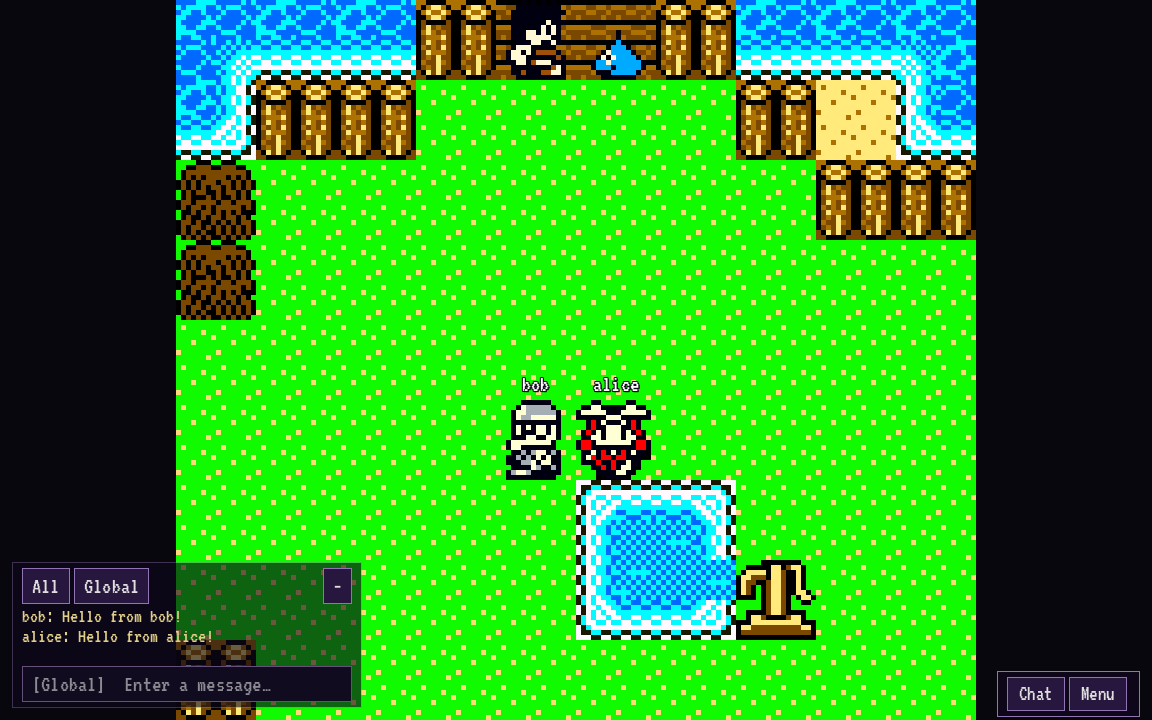
Begin at the family farm, explore the campaign, and chat with other adventurers along the way. Your progress follows your account between devices.
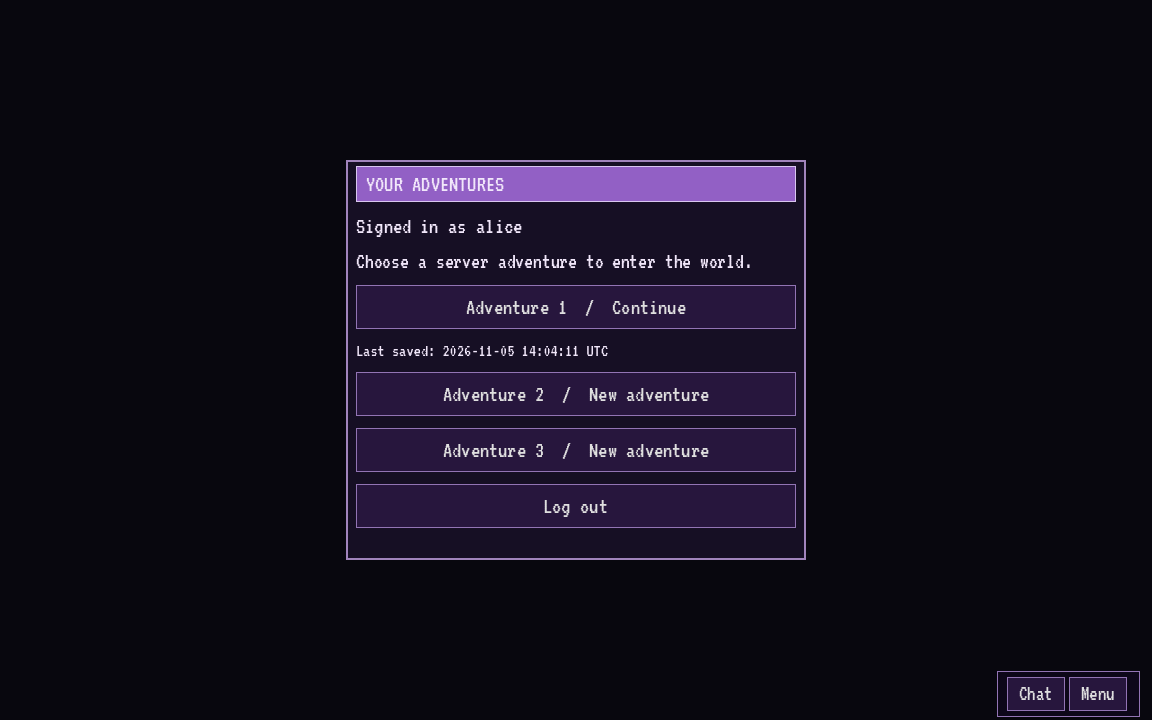
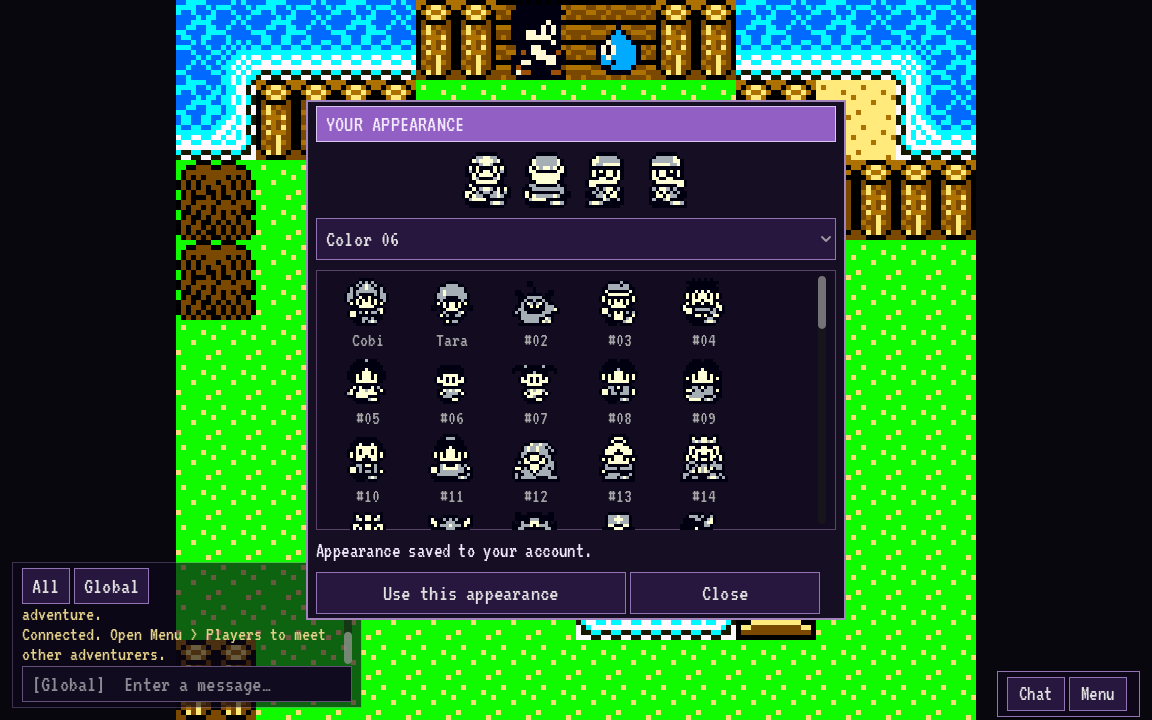
Select a screenshot to view it at full size.
Start at the family farm after the boat intro. Progress saves automatically to your account while you play and when you leave.
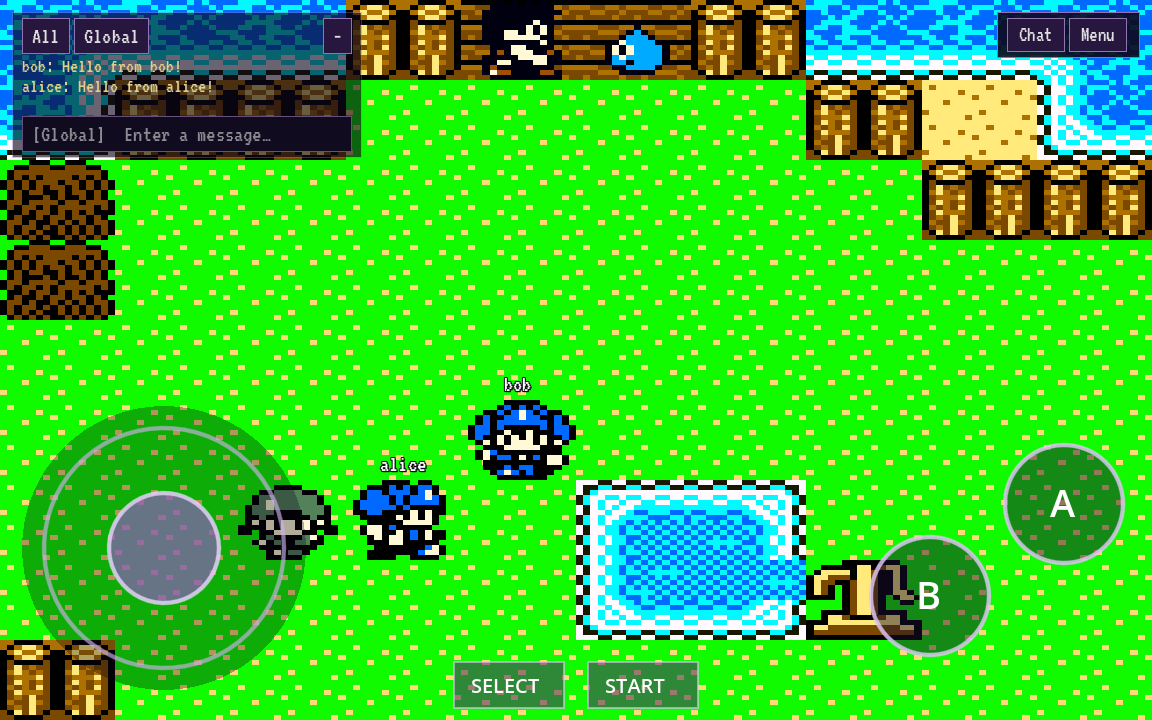
Meet nearby adventurers and use global chat to stay in touch as you explore.
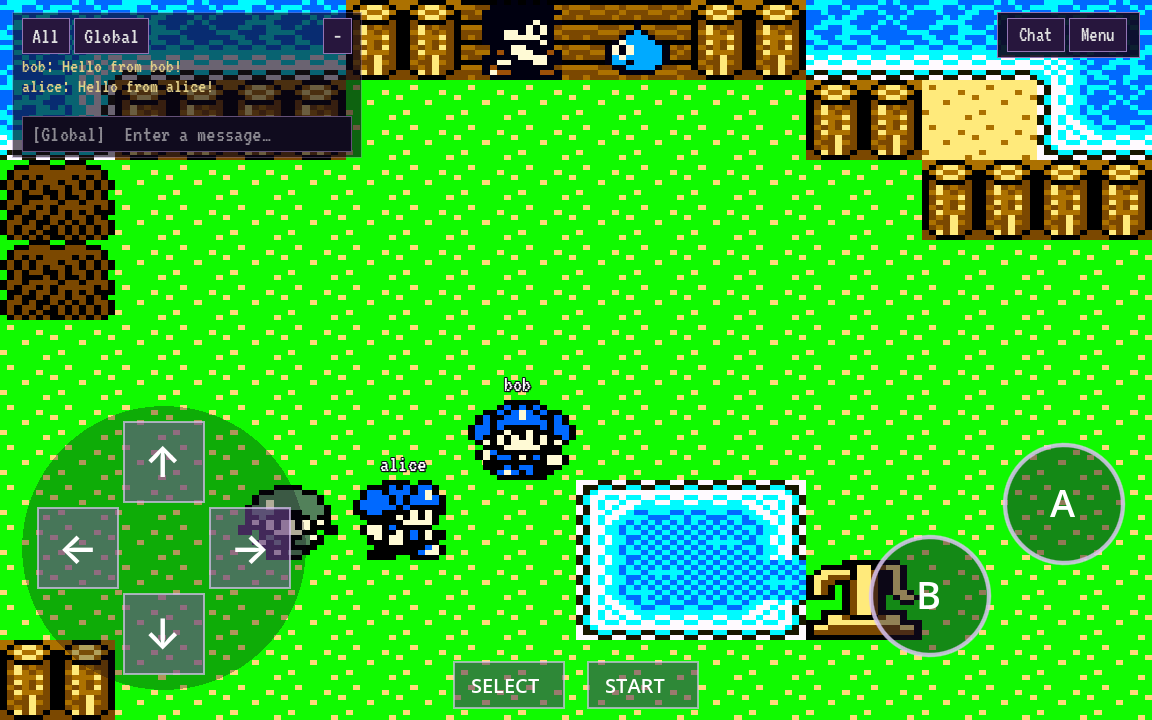
Play with a keyboard or gamepad on desktop. On Android, choose touch controls, adjust their size, and fill the screen.
Optional Iru and Caravan Heart ROMs can be imported from Menu → Optional ROMs. Their regions are not available to play yet.
Choose a D-pad or analog stick, adjust the controls, and stretch the display to fill your screen in Menu → Settings.
Download the client and follow the prompt to select your local USA Cobi’s Journey ROM. Create an account or sign in directly in the game, then select your adventure. An internet connection is required. Your ROM stays on your device. No ROM is included or uploaded.
Unofficial fan project; not affiliated with or endorsed by Square Enix or Nintendo. No ROM is included or provided. You must have the legal right to use your own compatible ROM. Read the project notice.
Loading downloads…
An internet connection is required to play. Progress saves automatically; after a lost connection, you resume from the last completed save. Clients check for updates automatically. Android asks you to confirm installation.
Create your account here or directly in the game client. Use the same account in both. Your password is never stored in the client. No email address is required.
Please read the project notice before downloading or playing.
Keep your password safe. Self-service password recovery is not available in this alpha.